Apple Addresses Long-Standing Hardware Issue in Mac mini M2 at Last
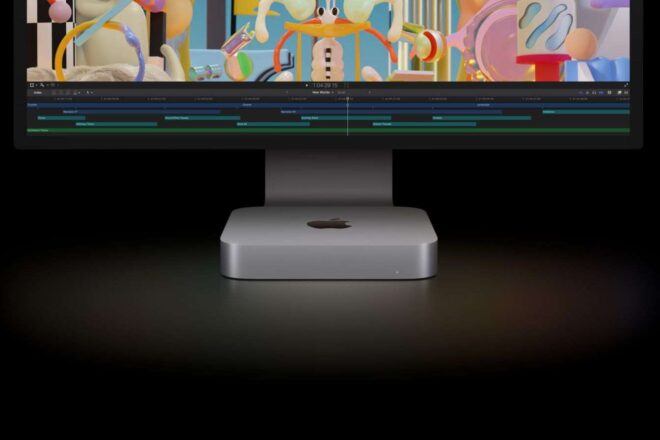
After a prolonged period of user complaints, Apple has addressed a persistent hardware issue affecting the Mac mini M2. This long-awaited fix marks a significant step in resolving problems that had been overlooked since the device’s initial release.
Tl;dr
- Apple confirms power issue on some Mac mini M2 units.
- Free repairs offered for affected devices after serial check.
- User reports preceded official acknowledgment from Apple.
Early User Reports Spark Concern
As early as October 2024, frustration began surfacing among owners of the new Mac mini M2. On online platforms such as Reddit, users—including one known as hkfan451—described an unsettling scenario: their freshly purchased devices simply would not power on. These accounts were echoed on the official forums of Apple, where similar complaints about a sudden loss of power multiplied. The absence of a built-in screen and the lack of any startup signals—no familiar white LED, no startup chime—often left users perplexed, unable to distinguish a hardware fault from a more mundane connection issue.
Apple Officially Acknowledges the Problem
After months of mounting feedback, Apple finally responded by confirming a hardware defect affecting a « très faible proportion » of Mac mini M2 units produced between June 16 and November 23, 2024. According to the company, certain machines in this batch may fail to turn on altogether—a flaw that had stirred unease in the community for some time. In response, Apple announced a dedicated repair program for impacted customers, offering clarity—and relief—for those who had been left in limbo.
Checking If Your Device Is Affected
For owners uncertain whether their machine is at risk, there is now a straightforward process. By visiting the official support site of Apple and entering their device’s serial number, users can quickly determine eligibility for free repair. Those confirmed as affected are invited to book an appointment at an authorized service provider or directly at an Apple Store. This formal pathway marks a significant shift from previous speculation to concrete support.
If Your Mac mini Refuses to Power On
So what steps should you take if your own unit remains unresponsive? Here’s what Apple recommends:
- Enter your serial number on Apple’s support page.
- Schedule service with an authorized provider or Apple Store.
- Prepare for several days without your device during repair.
A practical tip: keep a backup computer available—even one running Windows—to maintain access to important files via iCloud. While this specific fault is now covered under the new program, standard warranty policies may also apply in other scenarios.
This episode illustrates how attentive user communities can drive swift action—and how even industry giants like Apple are occasionally prompted to address elusive technical issues head-on.