Google Pixel Cameras Reintroduce Handy Feature
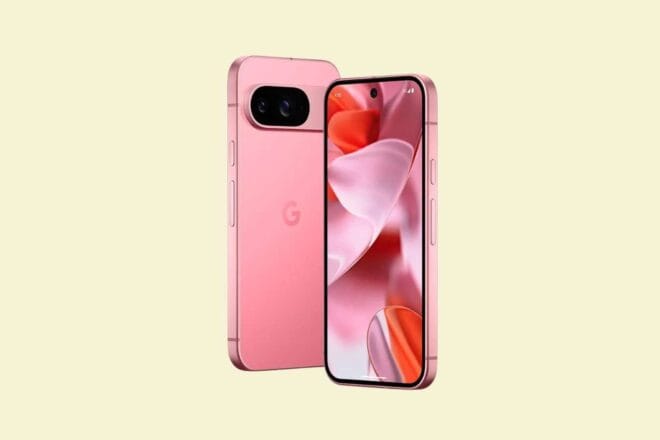
Learn everything about the recently reintroduced time-saving feature on Google Pixel phone cameras.
Google Pixel Update Makes Photo Management Easier
Google, the tech giant, has rolled out its December update for the Pixel, featuring a slew of new capabilities. Notably, one feature that might have gone unnoticed: manual controls have now been added to the main screen of the Pixel Camera app.
One-Click Setting Adjustments
It’s crucial to mention that these features were not removed from the Pixel Camera app itself. Previously, adjustments like white balance, brightness, and shadows could be managed from the camera’s settings menu. The latest update, however, pins these settings directly onto the camera’s main screen.
Time-Saving for Photographers
This update means that Google now allows you to alter settings manually without the need to dive through multiple menus. This is a significant time-saver when trying to capture the perfect shot and every second counts. Now, there’s no need to search for each setting individually.
Note that these quick access controls were removed in the release of Pixel Camera version 9.1. The reason remains unclear. However, it appears Google recognized the oversight and reinstated them in version 9.7.
Dual-Screen Portrait Mode for Pixel Fold and 9 Pro Fold
The update also introduces a new feature to the Pixel Fold and 9 Pro Fold models. They now feature a dual-screen portrait mode. As the name suggests, this mode allows you to take portrait photos while keeping both screens active, providing a preview to both the photographer and the subject.
Regrettably, the update is still rolling out and hasn’t reached everyone yet. Users will need to wait until it becomes available on the Play Store.