How to Enable MagSafe Charging on an iPhone 16
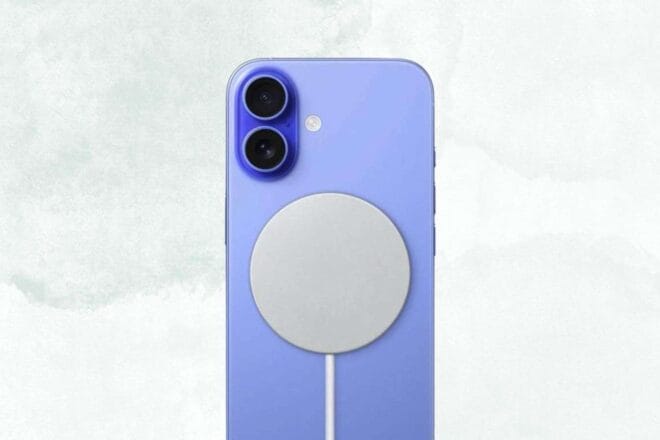
Here's a detailed guide to help you make the most of MagSafe charging on your iPhone 16.
Missing Feature in the iPhone 16e
The iPhone 16e from Apple, a solid choice for most due to its powerful specs, high-quality display, and Action button, notably lacks MagSafe wireless charging capability.
Wireless Charging Alternatives
iPhone 16e users need not worry, as there are alternatives for using MagSafe charging. The simplest is to purchase a MagSafe-compatible smartphone case specifically designed for Apple’s latest device. A recommended model is the ESR iPhone 16e Case, available for $13 on Amazon. While it has not yet been reviewed by us, a previous ESR version with MagSafe support was easily a top pick in our best iPhone cases list.
Adapters for Enhanced Compatibility
The second option is to use a simple adapter ring like the one from PopSockets, priced at $7 on Amazon. It’s affordable, easy to operate, and compatible with other MagSafe accessories, just attach it to an existing case. However, be wary as it does not work with silicone cases, textured cases, or those with a fingerprint-resistant coating.
Back to Basics with Wired Charging
The final option is to revert to the traditional method of charging through a USB-C cable. Though less innovative, this method enables faster device charging. The iPhone 16e supports the older Qi1 wireless charging standard with a maximum power of 7.5w, whereas other iPhone 16 models support the newer Qi2 standard at speeds up to 25w with the appropriate charger.