iOS 18.5 Update Leaves iPhone Users Staring at Blank Screen When Accessing Mail
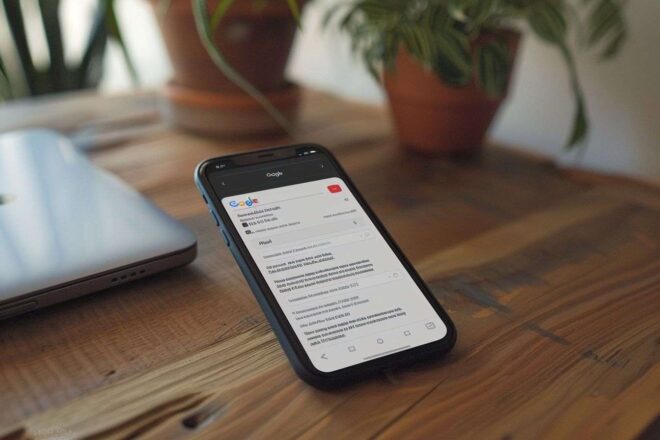
Since updating to iOS 18.5, many iPhone users have reported being unable to access their emails due to a persistent blank screen in the Mail app. This issue prevents viewing messages and is affecting daily communication for affected users.
Tl;dr
- Mail app crashes for many after iOS 18.5 update.
- No official fix from Apple yet, only workarounds.
- Users advised to contact support if issues persist.
Widespread Mail App Outage on iPhones
For a growing number of iPhone owners, the launch of iOS 18.5 has brought an unexpected setback: the native Mail app stalls at a blank screen, blocking access to emails entirely. Reports of this persistent issue have mushroomed across online platforms such as Reddit and the official Apple support forums, with users expressing mounting frustration over frozen inboxes and unresponsive interfaces.
The Unclear Cause Behind the Disruption
What makes this bug particularly baffling is its apparent randomness—it strikes across various device models, indicating a likely software-related origin rather than hardware. Curiously, although iOS 18.5 began rolling out weeks ago, these complaints have only surfaced recently. This timing has fueled confusion among both affected users and observers. Notably, this update had been expected to deliver new features like the return of the « All Mail » view, a Pride-themed wallpaper, and options to hide contact photos—none of which were supposed to undermine basic functionality.
No Official Solution—Only DIY Fixes Circulate
So far, silence prevails from Apple. Neither statements nor alerts have appeared on the official « System Status » page. In response, users have begun trading homegrown solutions in community threads. The proposed fixes vary:
- A simple device reboot seems to help temporarily for some.
- Force-quitting the Mail app or disabling autocorrect are also mentioned.
- A report by PC Mag describes one user resolving the problem via network settings reset.
The latter procedure involves navigating to:
Settings > General > Transfer or Reset [Device] > Reset > Reset Network Settings. Of course, none of these measures offer lasting relief.
User Patience Wears Thin Awaiting Apple’s Response
With makeshift remedies offering only short-term respite, the hope for a definitive fix now rests squarely with an official corrective update from Apple. Until then, those unable to restore access are left with little choice but to seek direct technical assistance from the brand’s support channels. The wait for clarity—and stability—continues.