iOS 26: Enhanced Safeguards Against Data Theft While Using Public Charging Stations
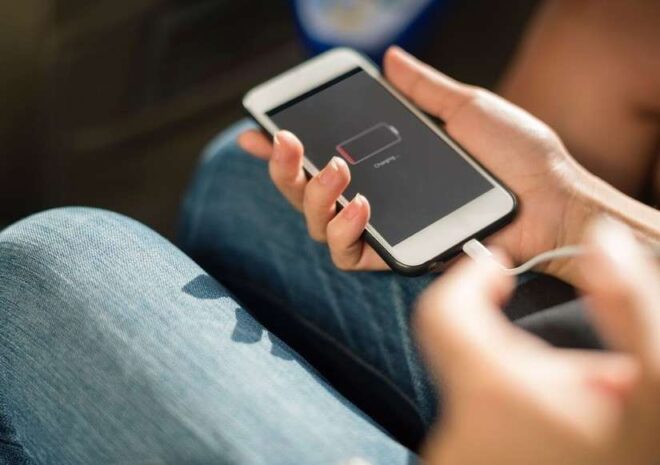
Apple’s upcoming iOS 26 introduces enhanced security features designed to protect user data during public charging sessions, addressing growing concerns about potential data theft when connecting devices to unfamiliar charging stations in public spaces.
TL;DR
Apple Tightens USB-C Security with iOS 26
A quiet but crucial change is rolling out for iPhone users: the new iOS 26 update brings a reinforced layer of protection to the increasingly ubiquitous USB-C port. Now, whenever a fresh accessory is connected, the phone flashes a prompt, asking whether the user wants to allow data transfers. Decline, and your device limits itself strictly to charging — denying any access to personal files.
Tackling the Persistent Threat of Juice Jacking
The backdrop here is no less than the persistent menace of what cybersecurity circles call “Juice Jacking“. This tactic preys on public charging stations, which have become common in airports and cafés. By tampering with USB ports, malicious actors can sneakily install malware or siphon sensitive information from unwitting users. Although both Google and Apple have tried to counter this with various updates over recent years, technical solutions up to now haven’t been fully reassuring.
With iOS 26’s new authorization pop-up — also enforced when your screen is locked — Apple appears to be drawing a much firmer line. Yet, even as this system should help blunt most opportunistic attacks, cybersecurity experts warn against complacency: individual vigilance remains irreplaceable.
User Choices: Flexibility Versus Security
For those keen on personalizing their level of risk (or convenience), Apple has left some wiggle room in Settings. Users can opt to always grant permission for data transfers, request approval only when connecting new accessories, or select stricter controls.
But here’s where things get tricky:
– Granting permanent authorization will eliminate pop-ups but could undermine security.
– Experts generally advise against defaulting to “always allow,” despite how tempting it may be for everyday ease.
In short: smooth operation often comes at the cost of stronger safeguards — a classic digital trade-off.
The Balancing Act: New Features and Remaining Gaps
All these measures land alongside other tweaks within the evolving iPhone ecosystem, such as updates to the MagSafe accessory line for devices like the new iPhone Air. Still, even as protections improve, full-proof solutions remain elusive. A few practical recommendations continue to hold water: switch on power-saving mode when needed, use adaptive brightness features, and avoid battery-draining apps unless you’re sure of your charging source.
Ultimately, as every software evolution introduces both comfort and fresh choices, users will need to weigh each update — with one eye always on their own digital safety.